Brick sorter
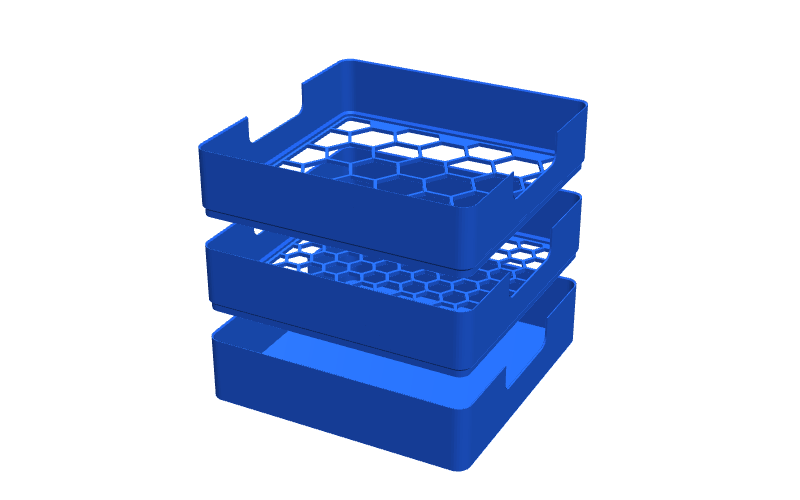
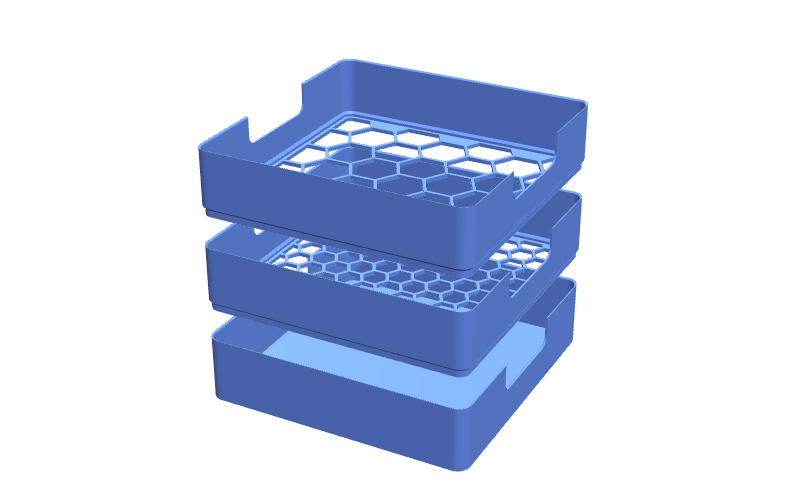
Stacking sieve trays. Shake a mixed box of bricks through and each tray catches a smaller size.
2 to 9 levelshex grates
Make a brick sorter
Brick tools
Stacking trays with a grate in each. Tip the pile in the top and shake. Big parts stay up top, each tray down catches a smaller size, and the tiny bits end up in the base.
Make a brick sorter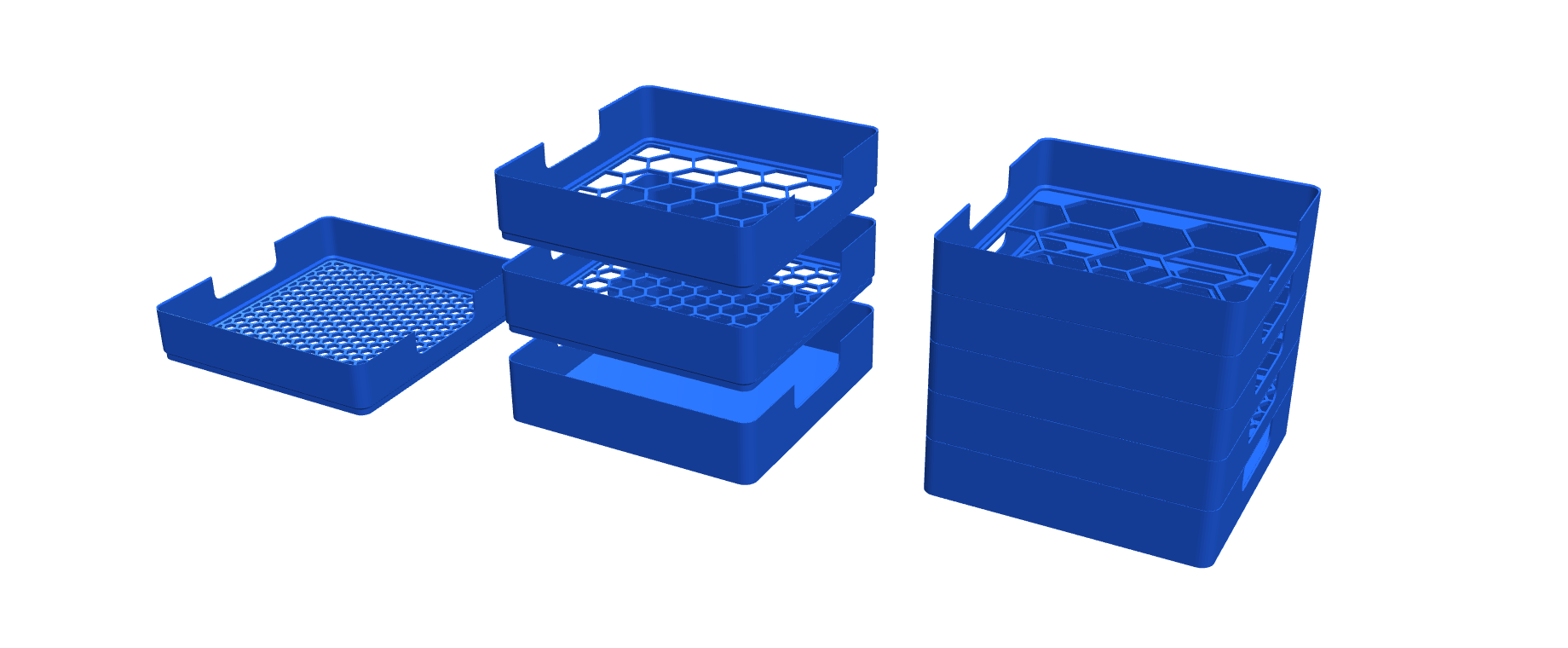
Each one opens a workbench with a live 3D view and an STL download.
Stacking sieve trays. Shake a mixed box of bricks through and each tray catches a smaller size.
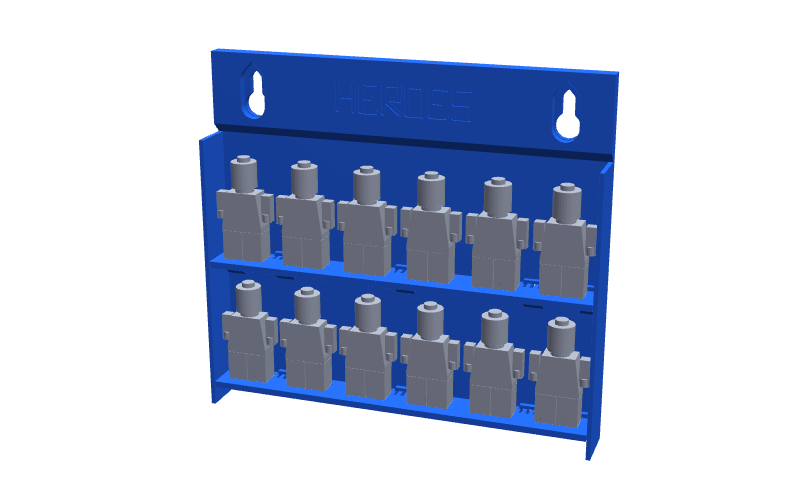
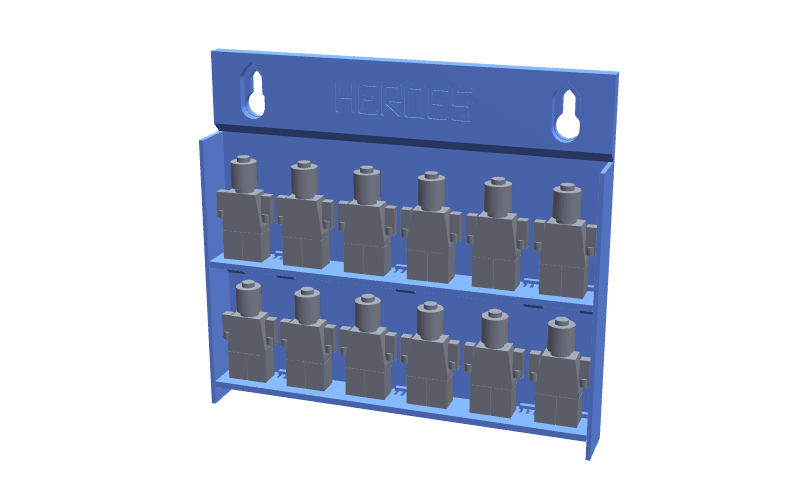
Shelves that snap into a back plate, or grandstand steps. Every figure clicks onto its own pair. Hang it on the wall or stand it on a shelf.
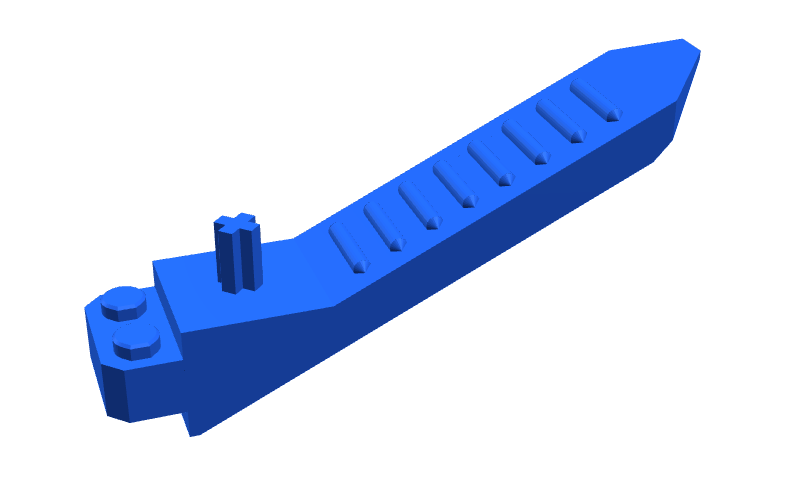
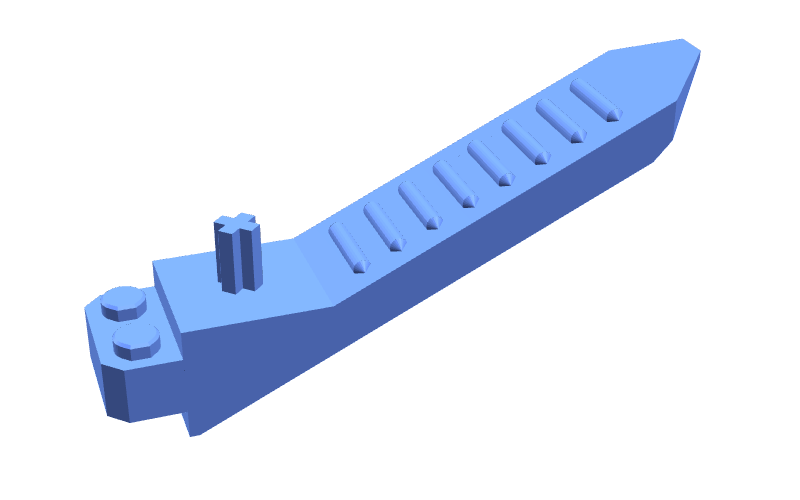
A brick separator you can print. Studs and a socket at the back, an axle pusher, and a lever arm with a thin blade.
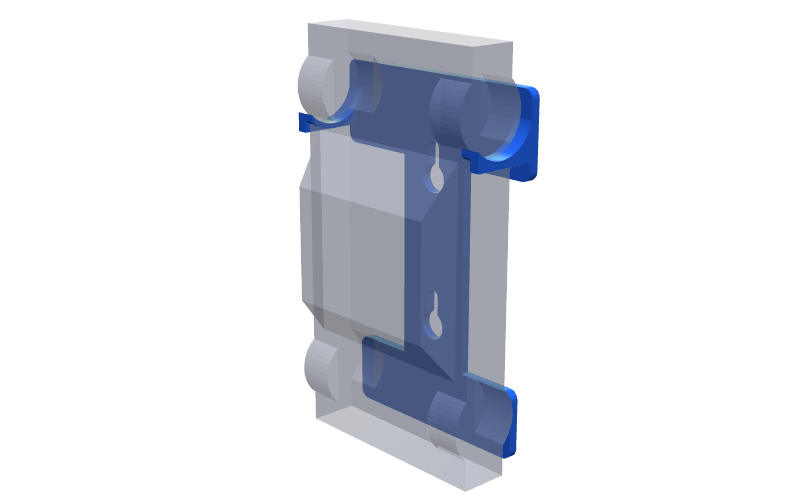
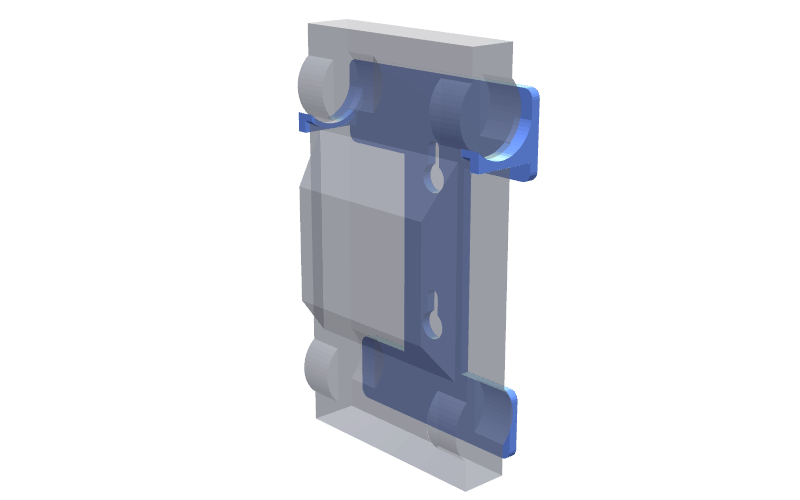
Hangs a brick-built car on the wall, nose up, roof out, from hooks under its front wheels. It rests back on its rear tyres and stays put.
Drawer inserts and tray labels are next.
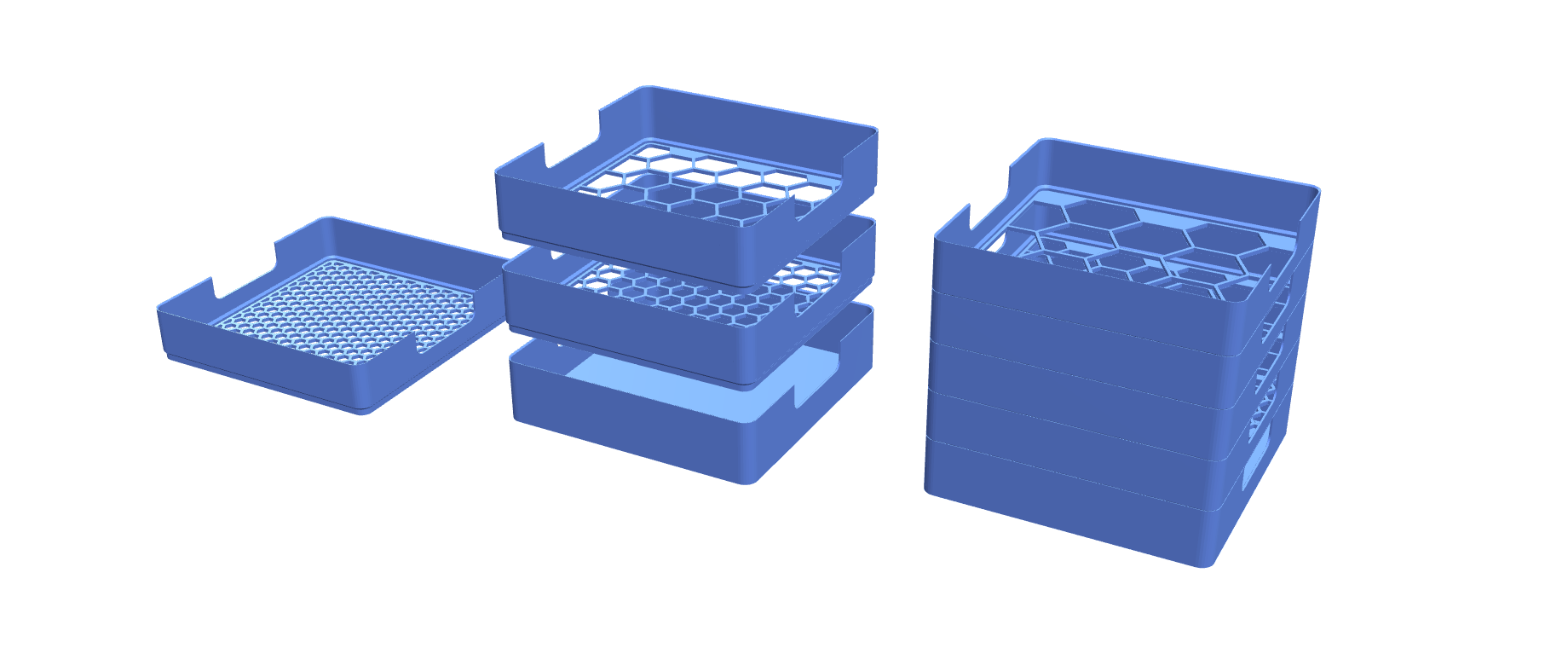
Start from a ready-made set of trays, from a quick big and small split to five levels. Change any tray's holes or height.
A small tray and base. Check the tray drops on and sits without rocking.
Print each tray grate down, stack them, tip the bricks in the top and shake side to side.
The generator runs OpenSCAD in your browser, so nothing is uploaded. It is a parametric model: a size change is a setting, not a new design.
Each tray has a grate with smaller holes than the one above. A part falls through until it meets a hole too small for it. The hole sizes are picked from brick widths, so each tray catches parts of a set width in studs.
Three is the best start: big parts, 2-wide and 1-wide. That is the same split as LEGO's own Sort & Store. Go to four or five if you build a lot and want plates and odd widths apart. Two is enough for young children.
Yes. The hole sizes are worked out from the standard 8 mm stud spacing, which LEGO and the compatible brands share. It is not made by or linked to LEGO.
Every tray prints on a 220 mm bed, like a Creality Ender V3. The large size is 210 mm square. The small size, 120 mm, fits mini printers too.
It is free and runs in your browser. The generator runs OpenSCAD locally, so nothing is uploaded and there is nothing to install.
Hi, I'm Will. I make these for jobs around my own house and garden. I had a sieve box like this as a kid. Every part is sized to print on a 220mm bed, like a Creality Ender V3.